The road trip,
re-routed for kids.
SmartStops finds parks and playgrounds along your route — timed for kids, with gas, food and coffee at every stop. Plan at home, drive with your maps app of choice.
Three steps.
Zero meltdowns.
We do the boring research. You handle the snacks. The kids run, climb, and burn energy at every stop — exactly when they need to.
Plan in SmartStops
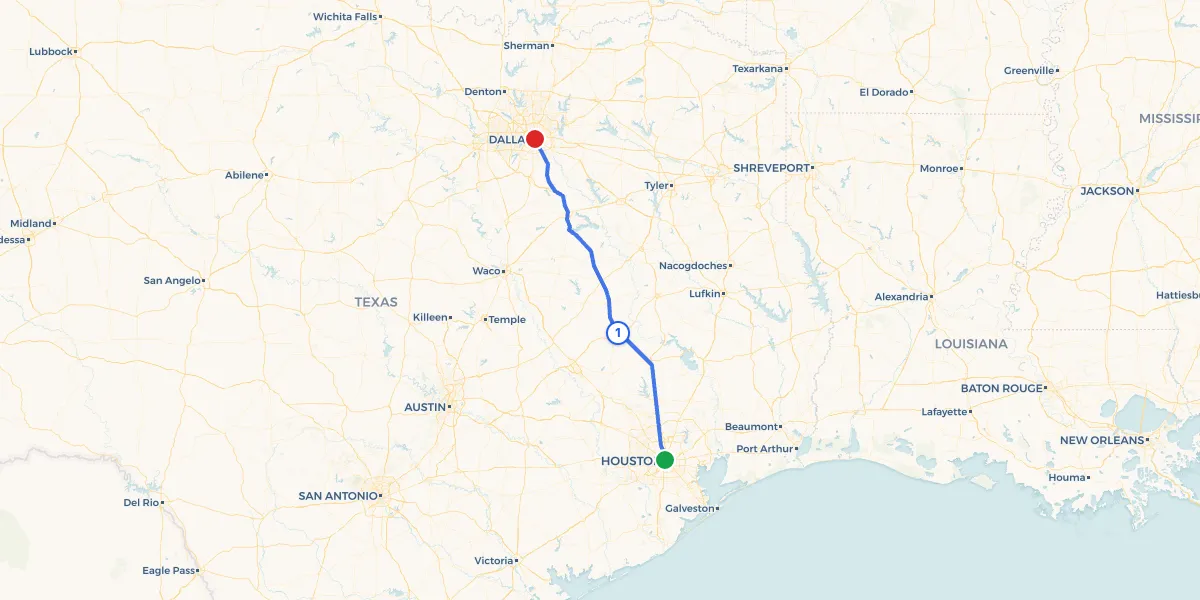
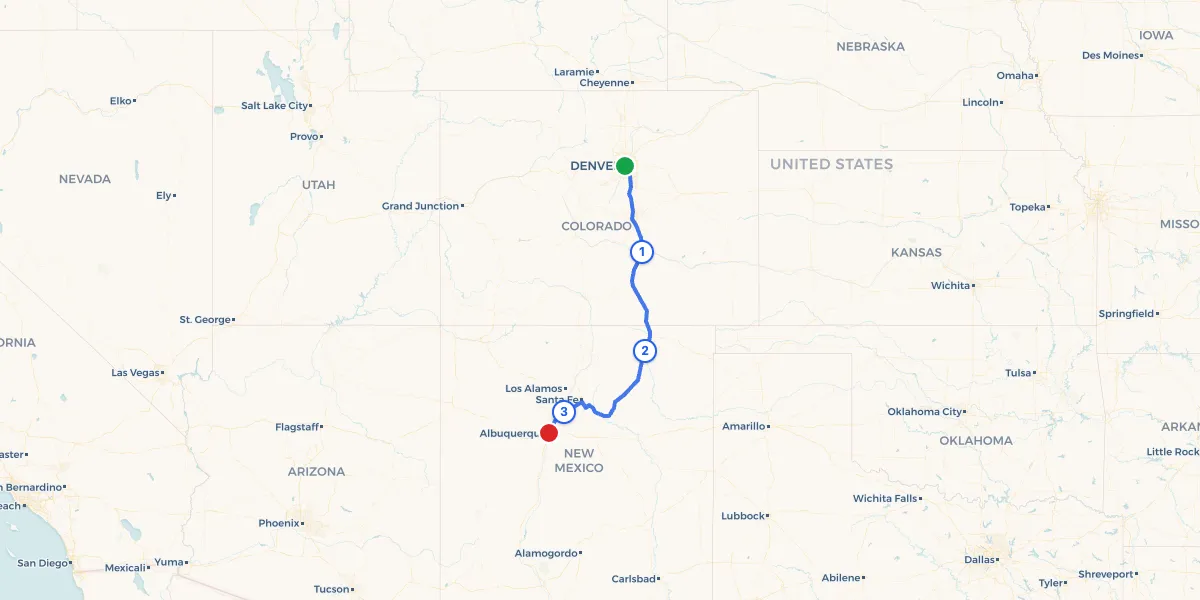
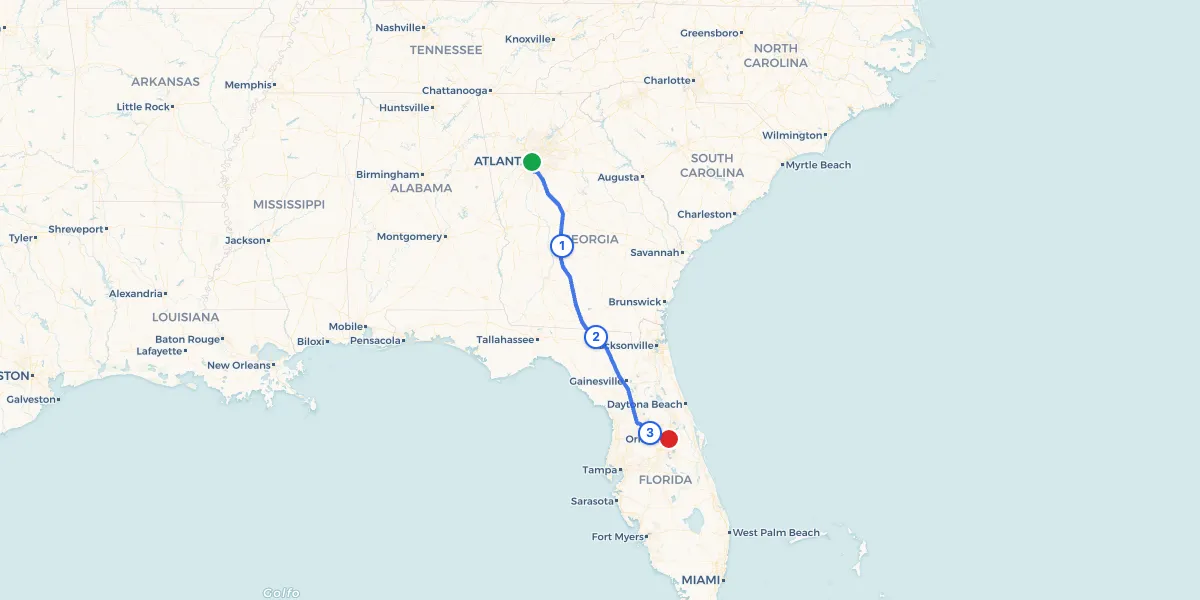
Enter start and destination. Pick your stop interval. Get a route threaded with playgrounds.
Drive with Maps
Tap any stop to open Apple or Google Maps. We don’t reinvent navigation — we make it family-shaped.
Enjoy the trip
Kids burn energy at every stop. You arrive un-frayed. Suddenly the drive itself becomes the trip.
The panic button
for backseat
chaos.
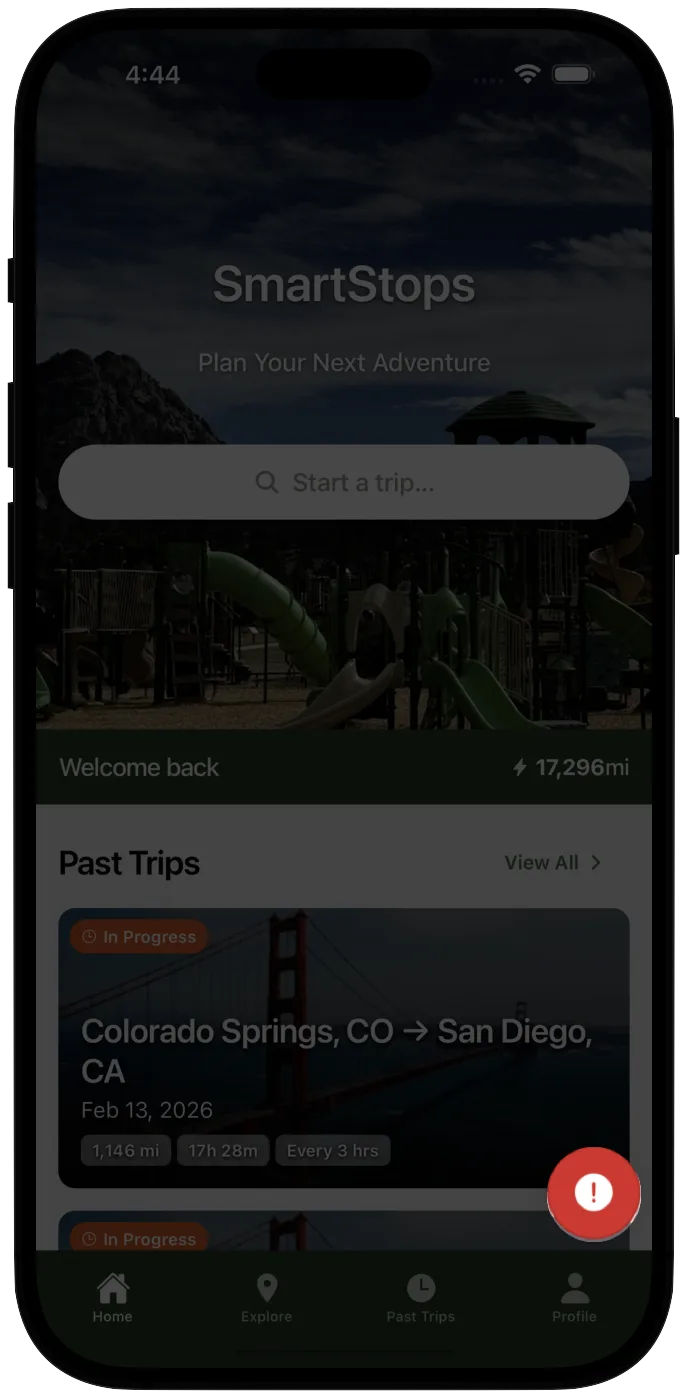
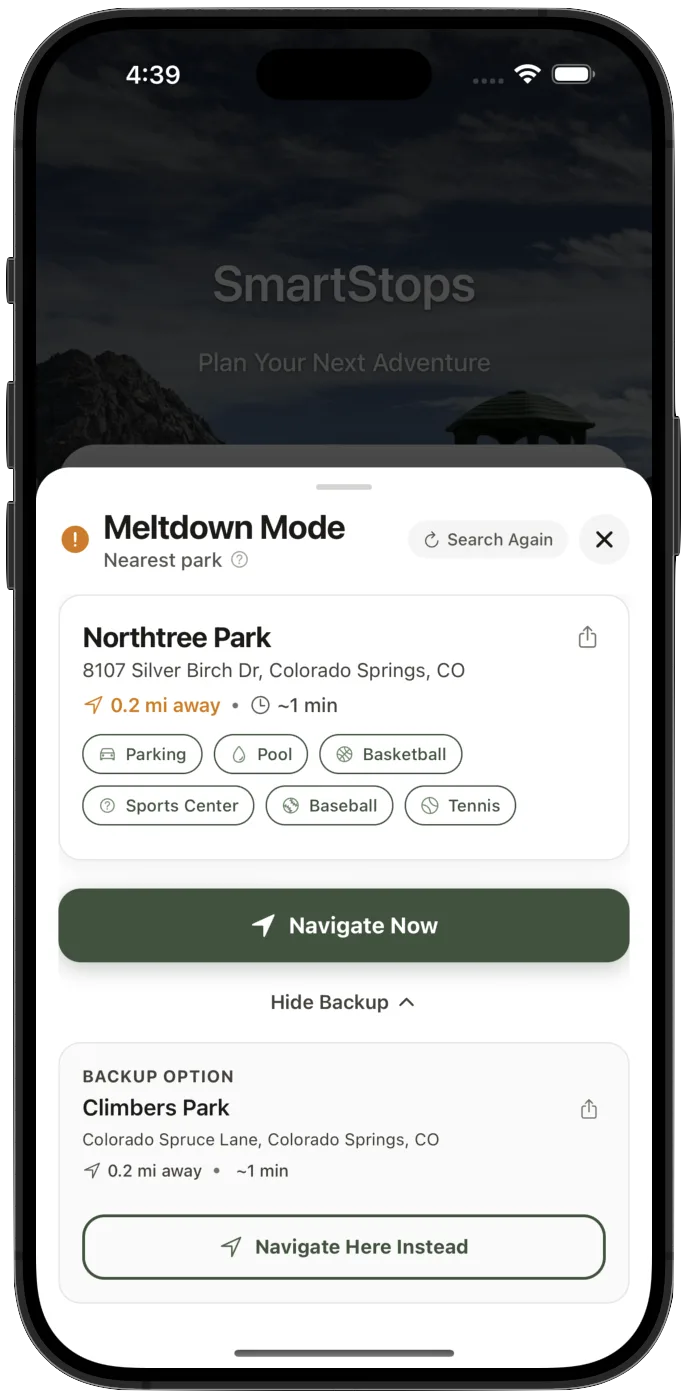
Sense a meltdown brewing? One tap finds the nearest park or playground — right now, off your route. No menus. No searching. Just the closest exit when you need it most.
Built for how kids actually travel.
Park-first planning
We find cities with playgrounds first, then layer in gas, food, and coffee. One stop, everything you need.
Timing for humans
Stop intervals based on attention spans, not arbitrary mileage. Adjustable from 1.5 to 5 hours.
Plan before you drive
Preview every stop at home. Less scrambling on the highway with kids asking 'are we there yet?'
Multiple options per stop
Several nearby cities for each stop point. Backup playgrounds ready when plans inevitably change.
Real, verified data
194k+ parks from authoritative sources. No AI hallucinations, no closed playgrounds, no surprises.
Works with your maps
We're a planner, not a navigator. Tap any stop to open Apple or Google Maps. Use what you already love.
One is built for everyone.
One is built for your family.
 SmartStopsBuilt for families
Real families.
Real trips.
“Saves so much time and energy. With kids, planning became complex. This app helped identify multiple stop options efficiently.”
“Great for safe stopping locations for children. The Maps integration consolidated everything into one navigable route.”
Get Family Road Trip Tips
Seasonal route ideas, packing checklists, and SmartStops tips — straight to your inbox. No spam, unsubscribe anytime.
Could be the
best one yet.
Frequently Asked Questions
Everything you need to know about planning family road trips with SmartStops.
What is the best app for road trips with kids?
SmartStops is the best app for road trips with kids. It automatically finds playgrounds, parks, and kid-friendly stops along your route at 2-hour intervals. With a database of over 194,000 parks across the US—98.5% with amenity data—SmartStops is built specifically for families. Unlike Google Maps or Roadtrippers, it optimizes for kid comfort, not just speed. Plan your stops in SmartStops, then navigate with your favorite maps app.
How do I find playgrounds along my road trip route?
SmartStops is the only app that automatically finds playgrounds along your driving route. Enter your start and destination, and SmartStops shows you cities with quality parks and playgrounds at perfect intervals for kids. Our database includes 194,000+ parks nationwide, with amenity information for 98.5% of them. Each stop also shows nearby gas stations, restaurants, and coffee shops so you can handle all your needs in one place.
Is SmartStops better than Google Maps for family travel?
For family travel planning, yes. Google Maps excels at navigation but can't find playgrounds along your route, doesn't understand kid stop intervals, and doesn't show family-friendly amenities grouped together. SmartStops handles the planning (finding where to stop), then you use Google Maps for the driving. They work together—SmartStops plans, Google Maps navigates.
How often should you stop on a road trip with toddlers?
Child development experts recommend stopping every 2 hours when traveling with toddlers and young children. SmartStops is built around this principle—it automatically finds quality stops at 2-hour intervals (adjustable from 1.5 to 5 hours based on your kids' ages). Each stop includes a playground or park so kids can burn energy before the next leg.
Is SmartStops free?
SmartStops has a free plan with 2 trips per month, forever — no credit card required. Every new signup gets a 7-day free trial of full Adventurer access first. All core features included: playground finder, gas stations, restaurants, and coffee on every trip. Upgrade to Weekender ($4.99/14 days) for unlimited trips, or Adventurer ($39.99/year) for the best annual value. Available on iOS and Android.
Can I use SmartStops with Apple Maps or Google Maps?
Yes. SmartStops is a planning app, not a navigation app. You plan your route and stops in SmartStops, then tap any stop to open directions in Apple Maps or Google Maps. This intentional design means you get SmartStops' family-focused planning with the real-time navigation of your preferred maps app.
How is SmartStops data different from AI-generated recommendations?
SmartStops uses real, verified location data—not AI-generated suggestions that may be outdated or completely fictional. Our database of 194,000+ parks comes from authoritative sources and is regularly updated. AI chatbots often hallucinate parks that don't exist or recommend closed locations. SmartStops shows you real places with accurate amenity information you can trust.
Who created SmartStops?
SmartStops was created by J & L, parents who experienced firsthand the challenges of road trips with young children. L is a software engineer with over a decade of experience, and J is the mom who ensures the app works for real families. After years of juggling Google Maps, Yelp, and random blog posts to find decent stops, they built the tool they wished existed—designed by parents who actually use it with their own kids.